


17 Years of Legacy
Fort Digital is one of the oldest Telecommunication and IT Company specializing in all kinds of SMS Services, WhatsApp Services, Professional Queue Management System (QMS), Event Management System(EMS), Visitor Management System (VMS), and many more IT Services.
With over 15 Years of operation, 10% of Singapore SMS traffic is sent daily via Fort Digital’s platform and trusted by thousands of agencies from Government Sectors, IT, Logistics, Education, Retail, Health, and Food Industries to deliver OTP, Notification, Reminder, Emergency, and Marketing or Promotional Messages.
Fort Digital is among the very few SMS Company that can deliver close to 800,000 SMS per hour or 13,000 SMS per Minute.
Fort Digital is SBO Licensed from IMDA, Approved SMS Aggregator by SGNIC, GeBIZ Supplier and Government Supplier EPPU No: EPU/CMP/10,EPU/CNE/10 @ Financial Grade S7
SMS, WhatsApp, EMS, VMS, POS, etc










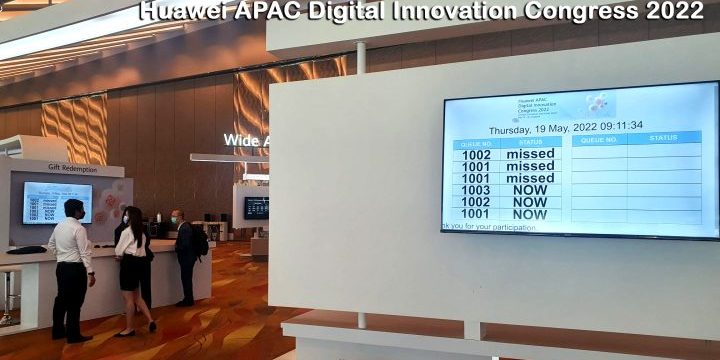
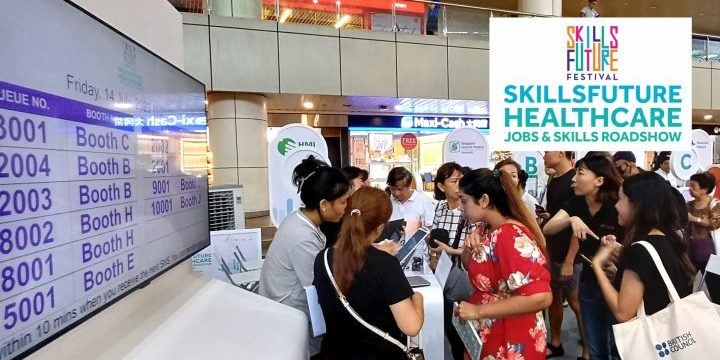
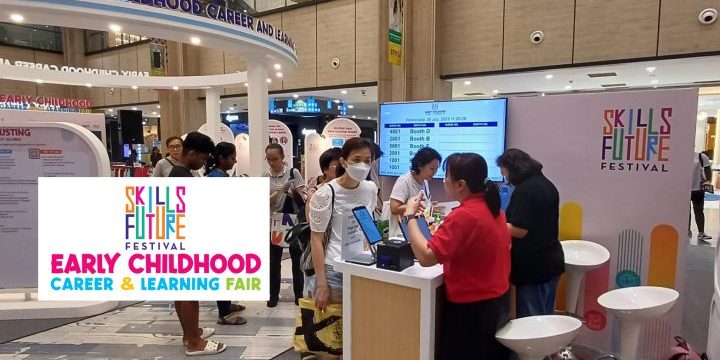
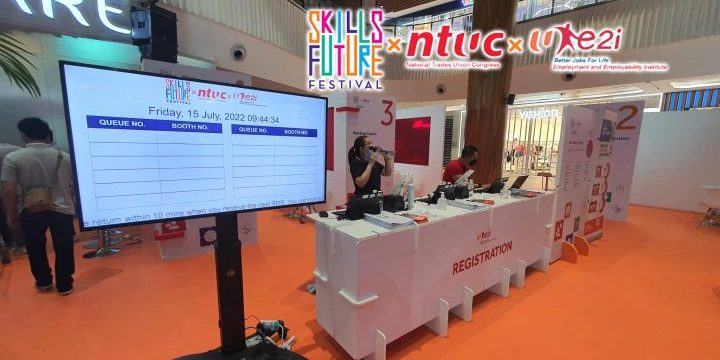
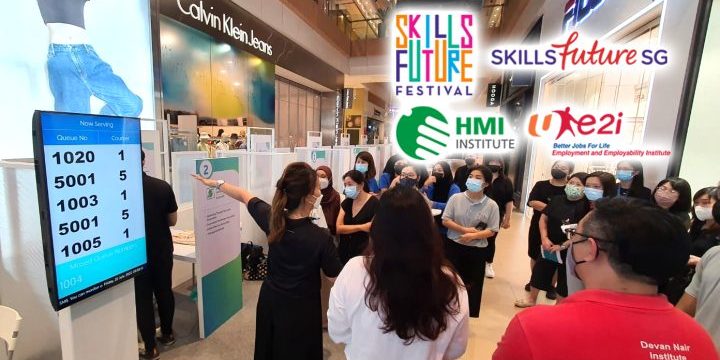
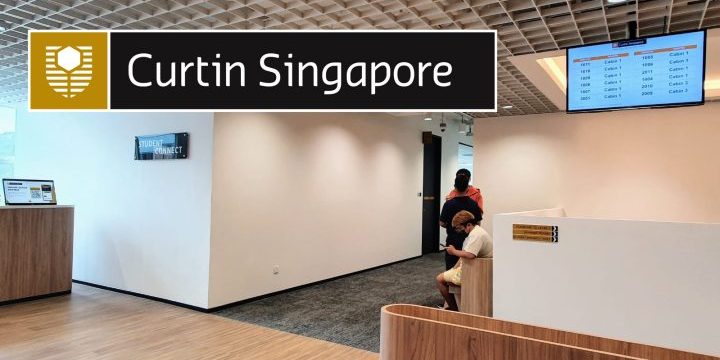
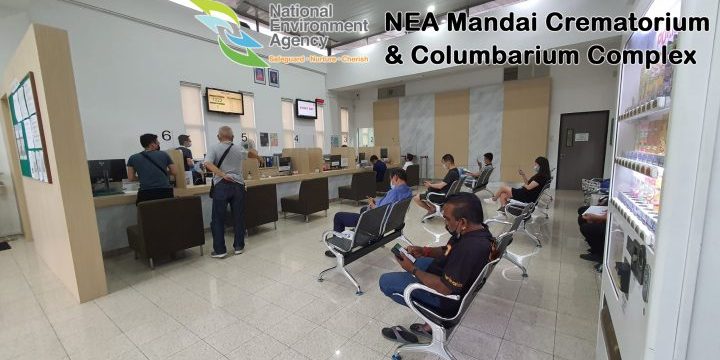
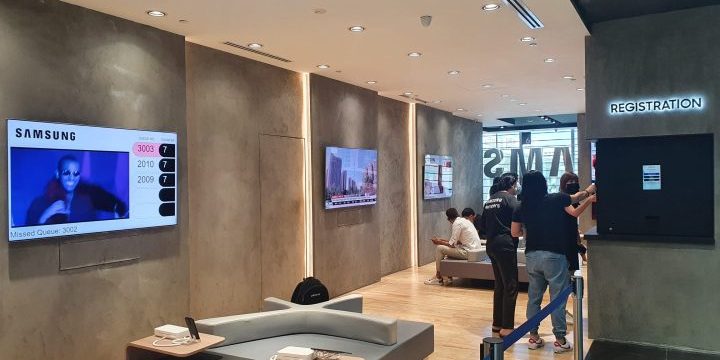
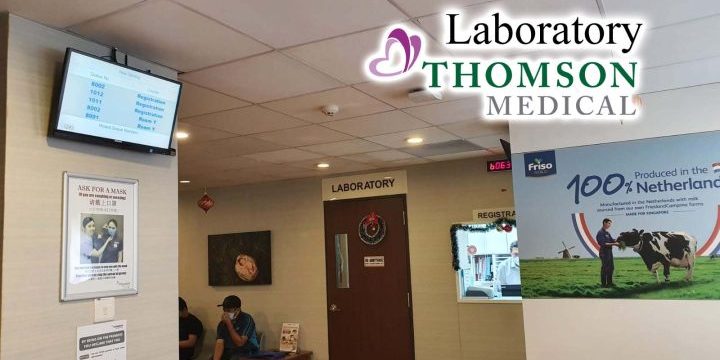
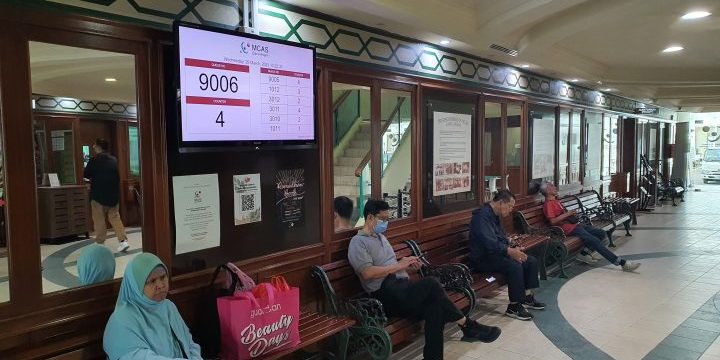
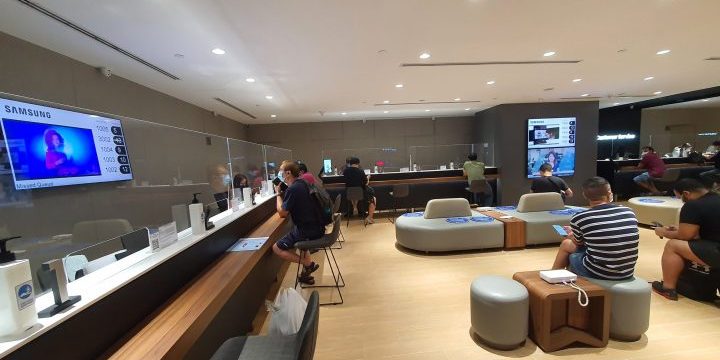
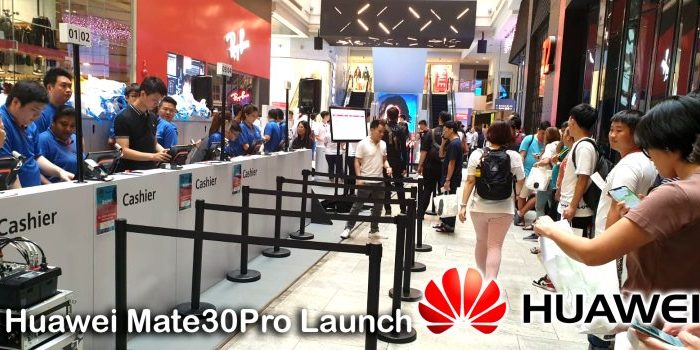
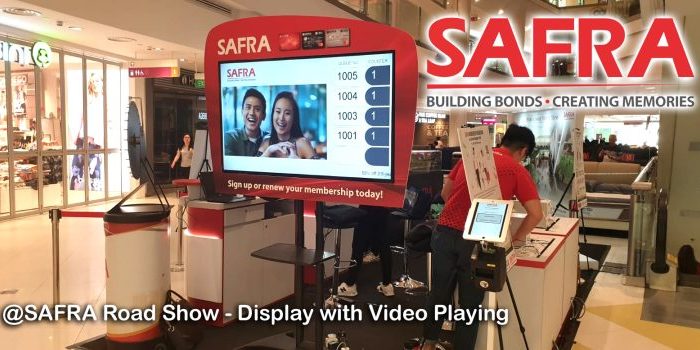
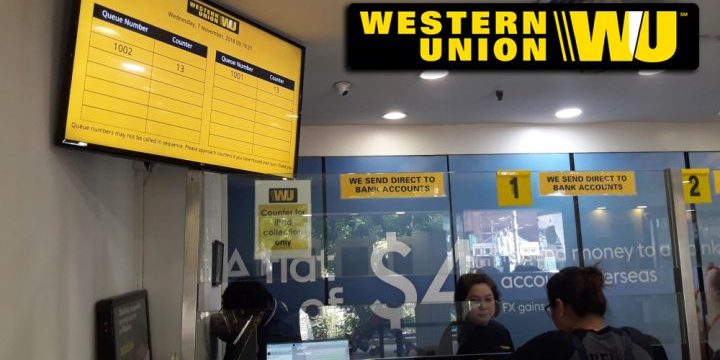
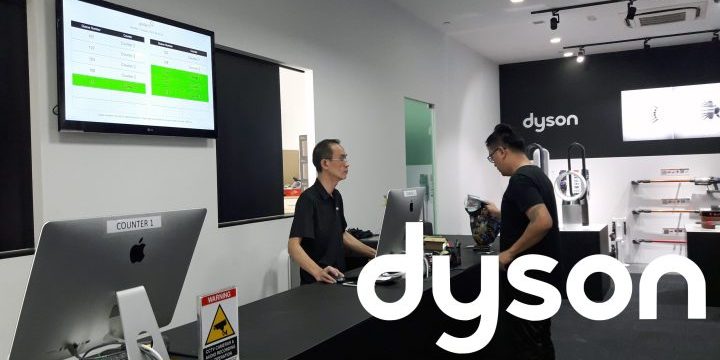
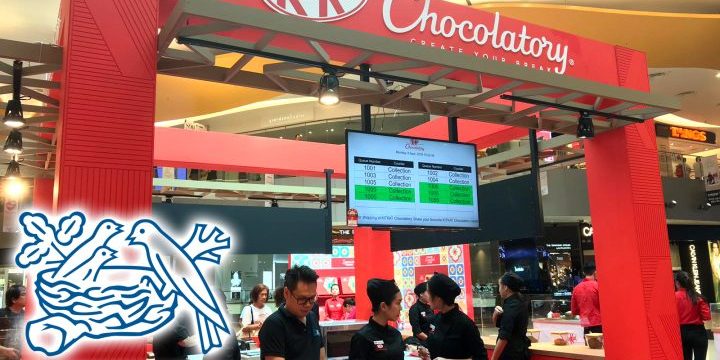
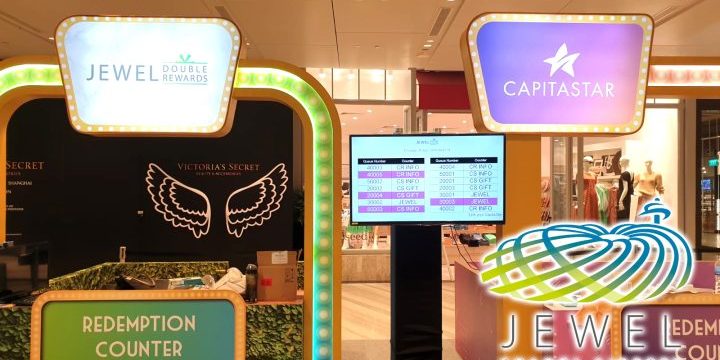
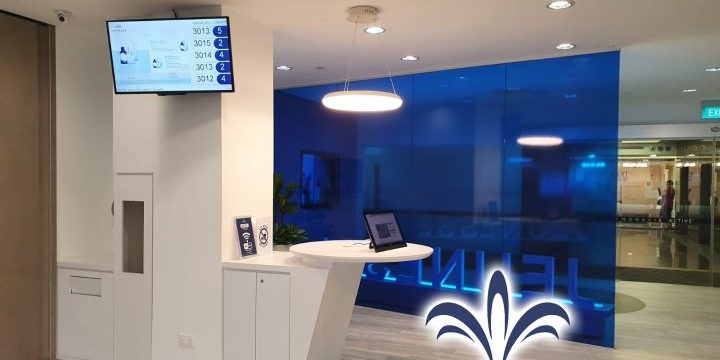
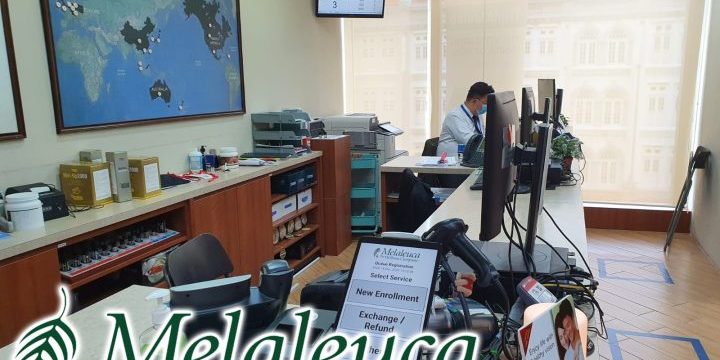
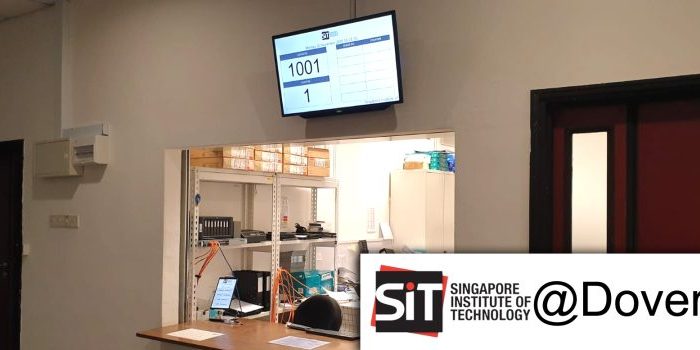
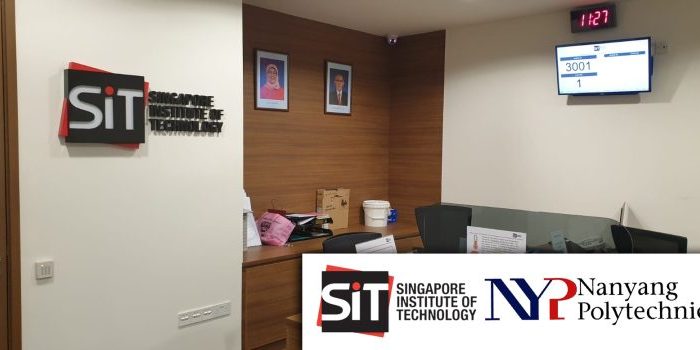
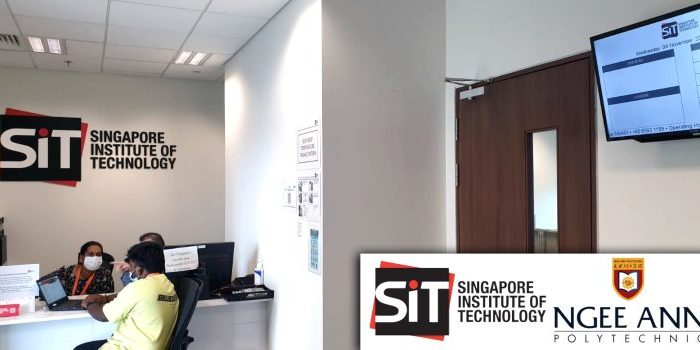
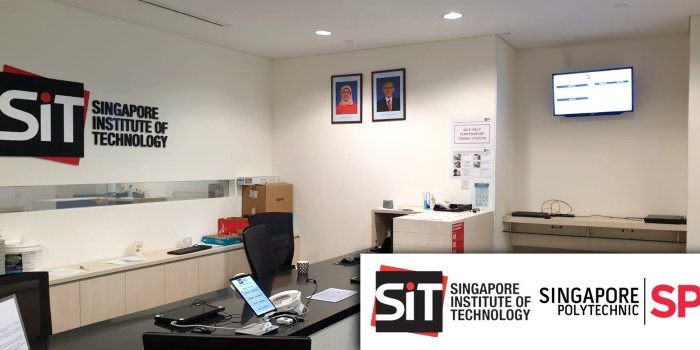
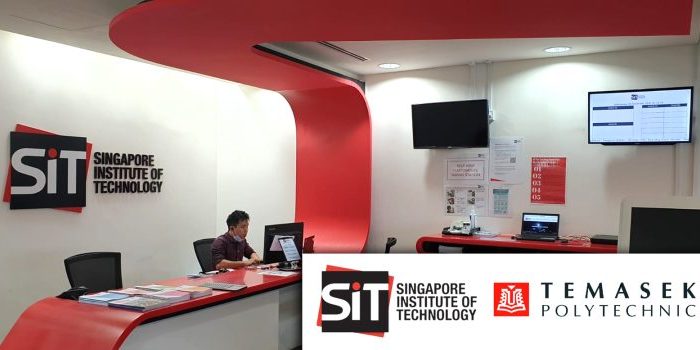
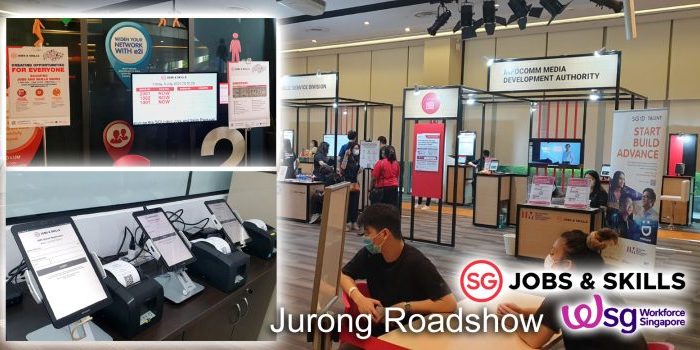
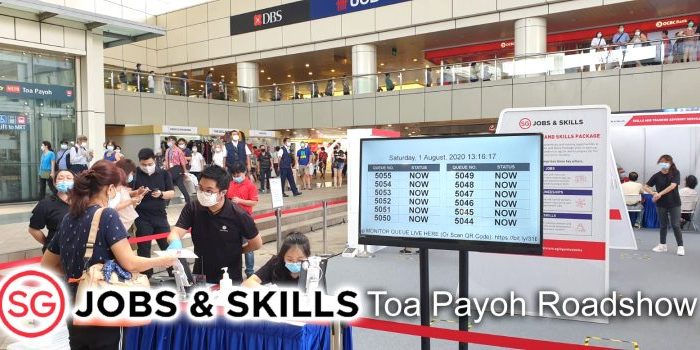
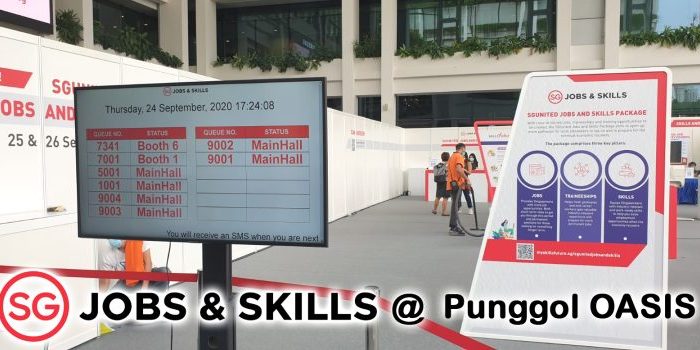
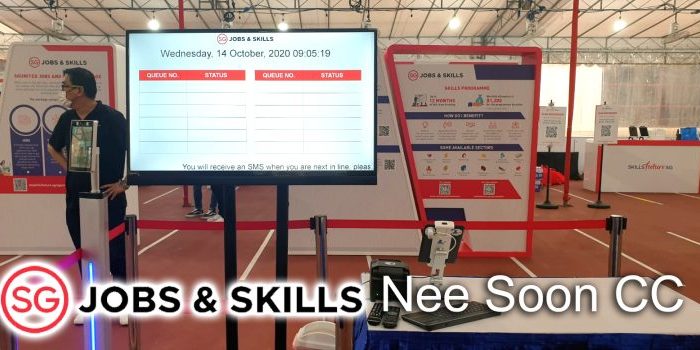
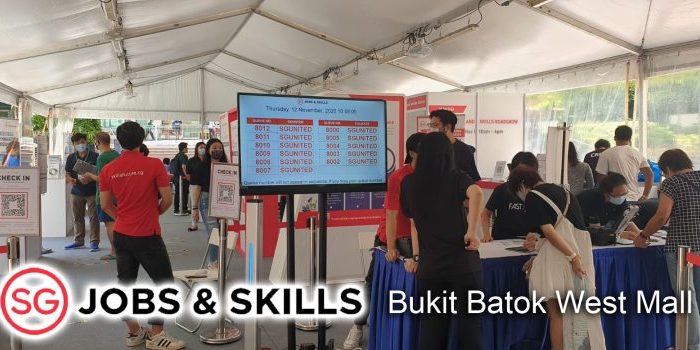
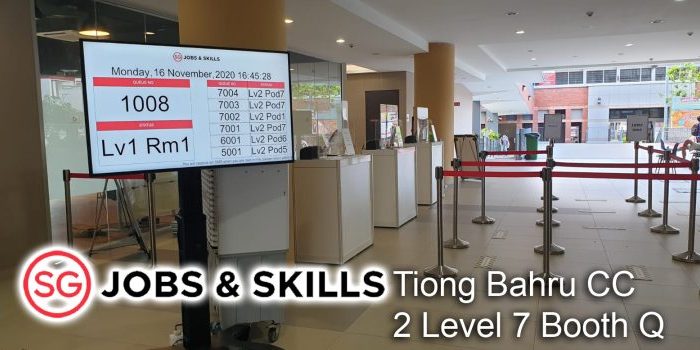
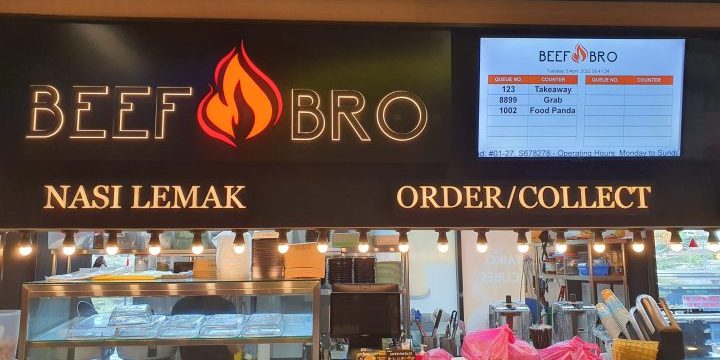
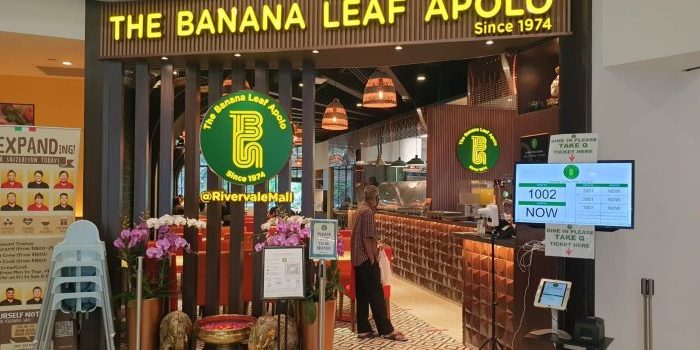
Professional Queue System (QMS)



All SMS Services
OTP, Notification, Reminder, Emergency, and Marketing or Promotional Messages. 800,000 SMS per hour, or 13,000 SMS per Minute. Send via Web Portal, API, Email or SMS Trigger Emergency. With Incoming (Reply Unsub) SMS. Personalized SMS. Quick Send Copy and Paste up to 200,000 SMS one shot. Text to Voice as Backup. 2FA Login, and many more functions…
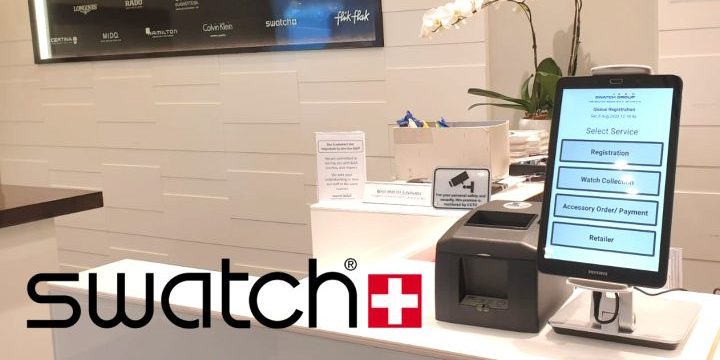
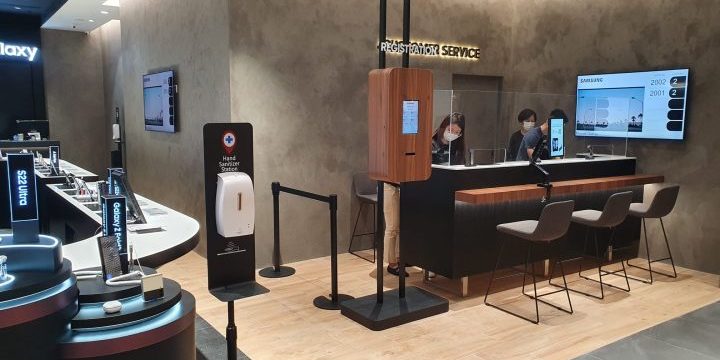
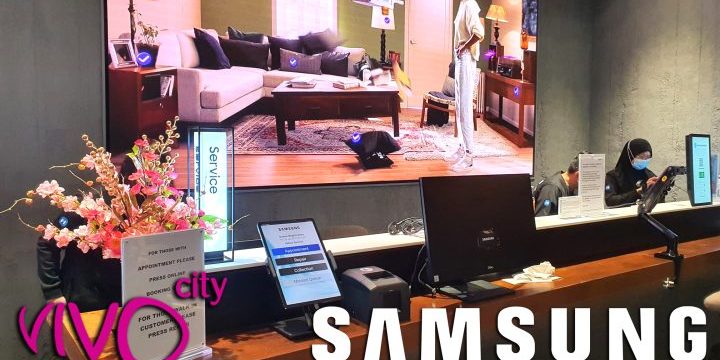
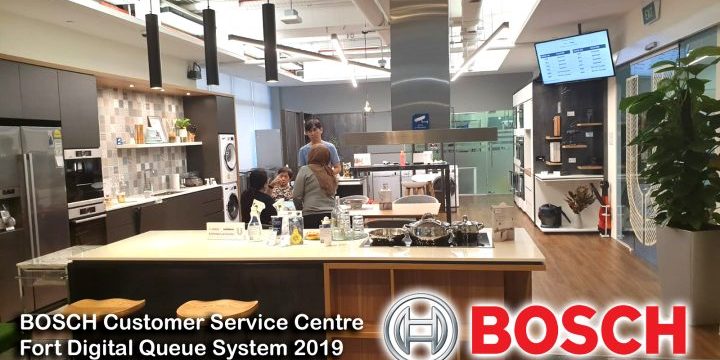
Queue Management System (QMS)
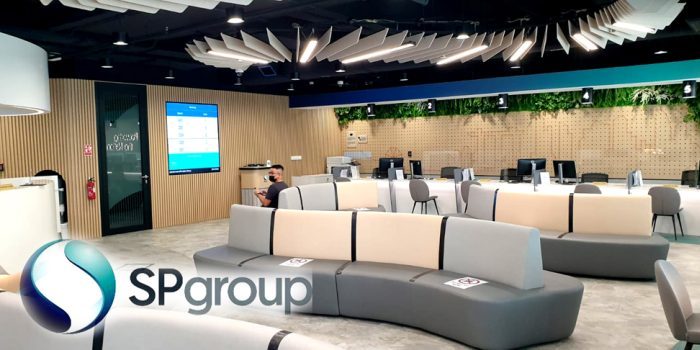
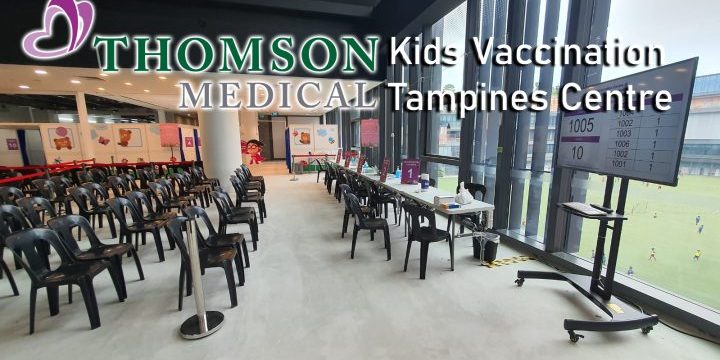
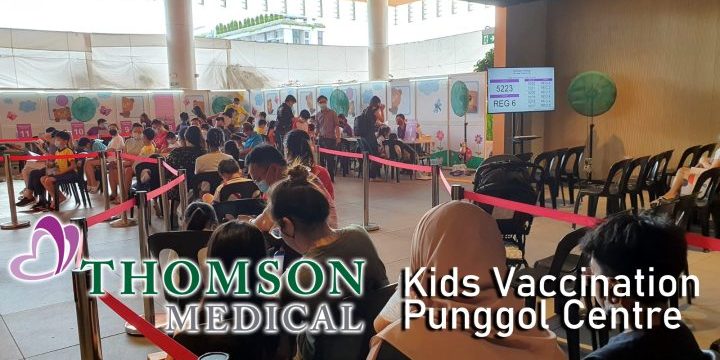
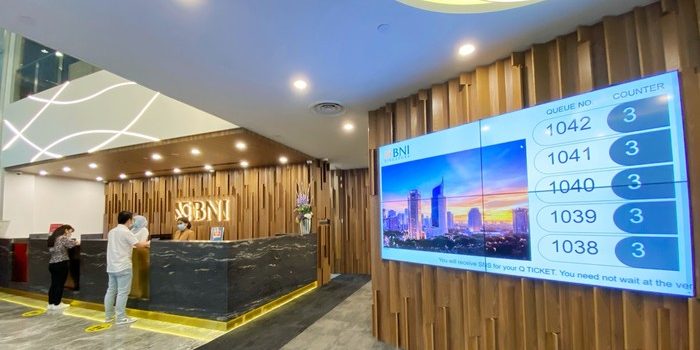
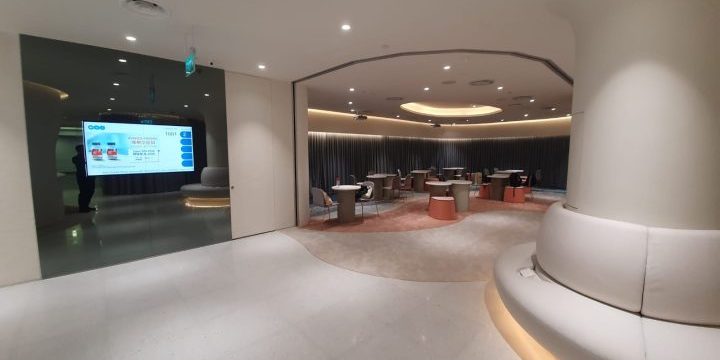
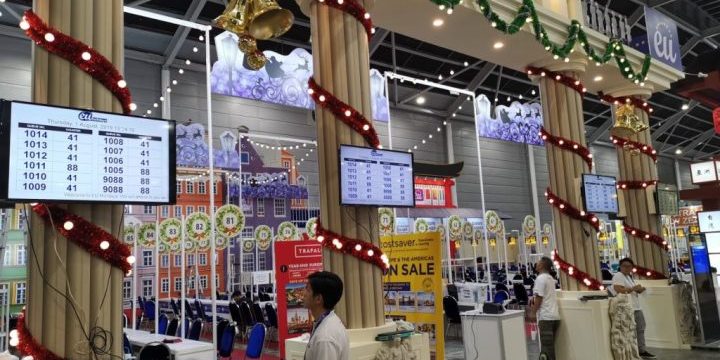
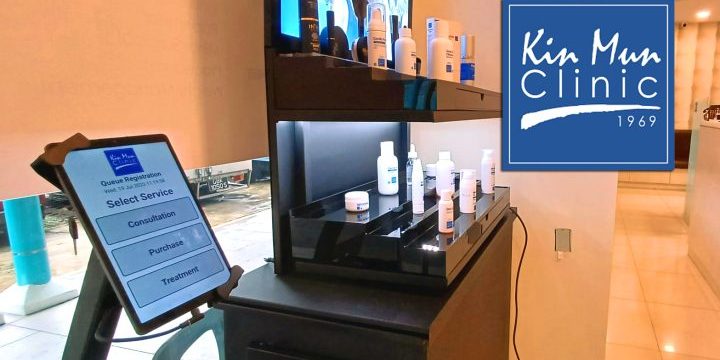
Zero Wiring Setup, Physical Kiosk or Web Kiosk (QR Code), Physical Ticket or SMS Ticket, 4 SMS Reminder, Monitor Ticket Live, HQ can Branches Monitor Queue and Performance Live, Detailed Reports and Logs, No Physical Keypad, Call Queue from Any Devices with Internet, With or Without TV, 10 TV Display Formats, and many more functions…
All WhatsApp Services
OTP, Notification, Reminder, Emergency, Ticketing, Invoicing, Reservations Confirmations, Document Sending, Whistleblowing, Lucky Draw, Contest, Submission of Document or Pictures, etc. Fixed Auto Reply and Custom Code Auto Reply. Send and Receive Long Text, Image and PDF Documents. Centralized Access, work from anywhere and many more functions…
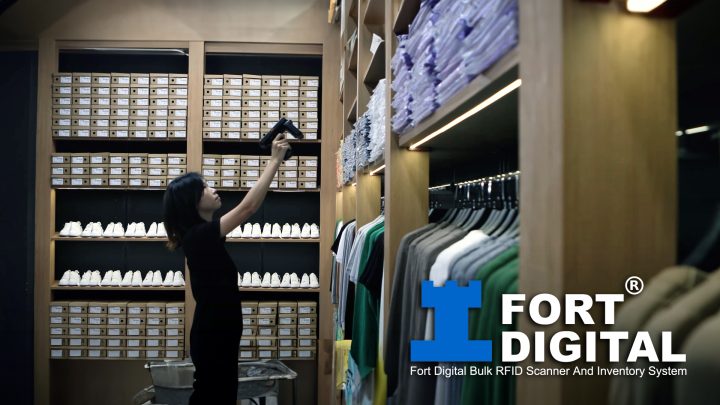
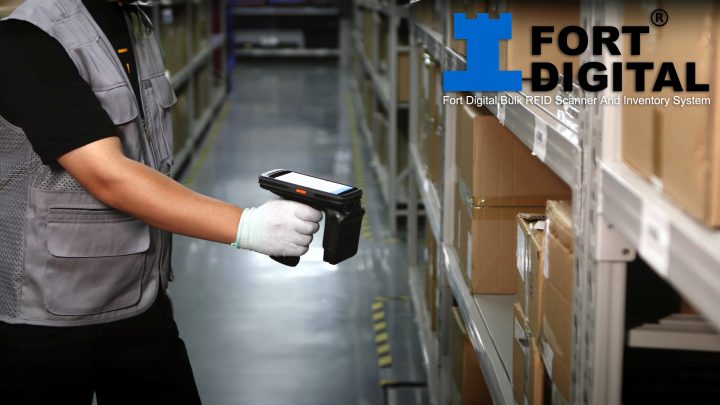
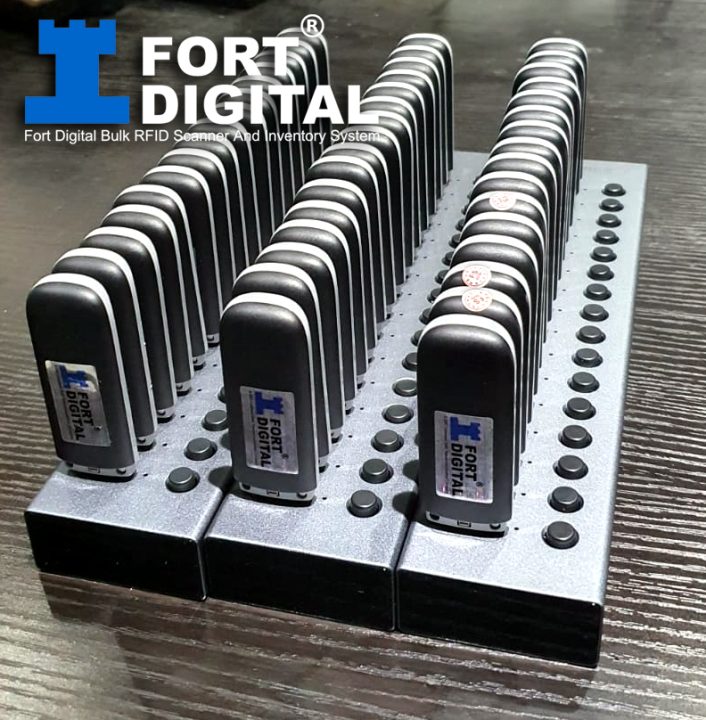
Fort Digital Bulk RFID Scanner And Inventory System
Scan 1000 Tags in 1 Seconds. No more wasting days to do stocktake. No more hours to close shops. No more climbing to find stock. Just scan from 10 Meters away to Count, Find and Record inventory.
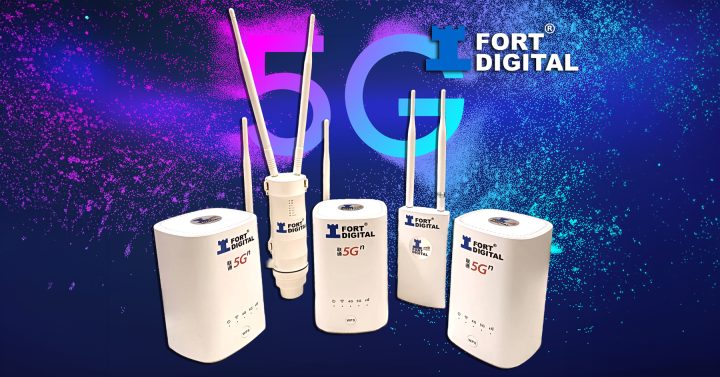
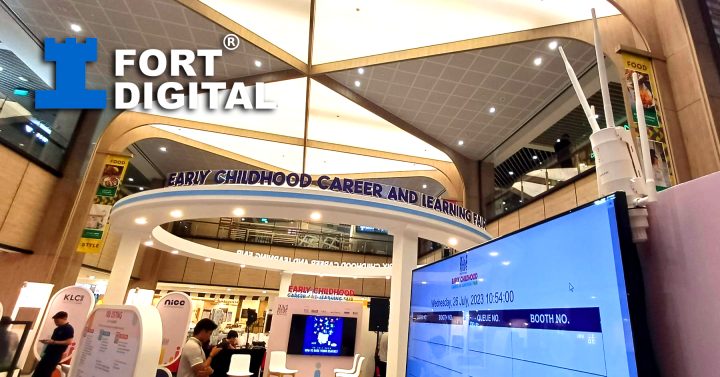
Internet WiFi Rental Services for Events Exhibitions
No More Slow & Lagging Internet During Events / Exhibitions. We can setup almost anywhere, indoor or outdoor, rain or shine. We utilize the power of 5G Connectivity.
Event Management System(EMS)
Create Event less than 1 Minute. Register Via Phone or PC - 100% Phone Friendly Layout. OTP during Registration to ensure 100% true participant, not robot. Instant Ticket Issued via SMS And EMAIL. Check-In And Check-Out using Android Smartphone APP. SMS RSVP, Choice of Food and Parking. Arrangement of Table and SMS Table Number, and many more functions…
Visitor/Guest Management System (VMS)
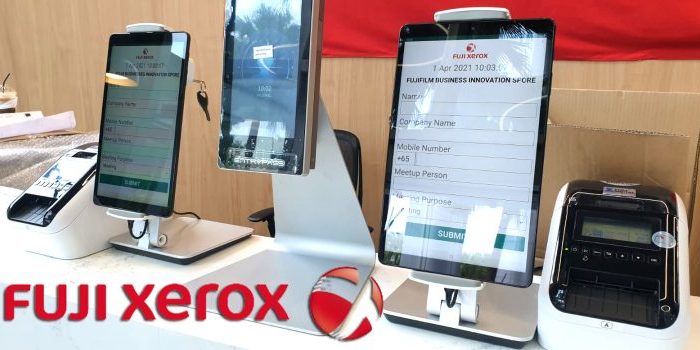
No more manual record on paper, direct on Tablet, data push to server live. Management can access live and search all visitor’s info instantly. Optional Print Out Label Tag upon registration. Auto Check in for Regular Staff or Contractor. Print Barcode for Regular Staff or Contractor. Auto Send SMS to Inviter/Staff to inform them the guest has arrived and many more functions…

Point of Sale (POS) System
Just 1 Tablet +1 Printer, and you can start your business anytime. No commitment to ten of thousands of dollars. We lease you either 1 week or 1 year, cutting your cost tremendously. As Low as S$5 Per Day. Just Click Item Image To Start Sale. Multiple Payment Mode on Checkout. Beautiful Receipt Ticket. Split Payment Mode. Create Discount Rate...
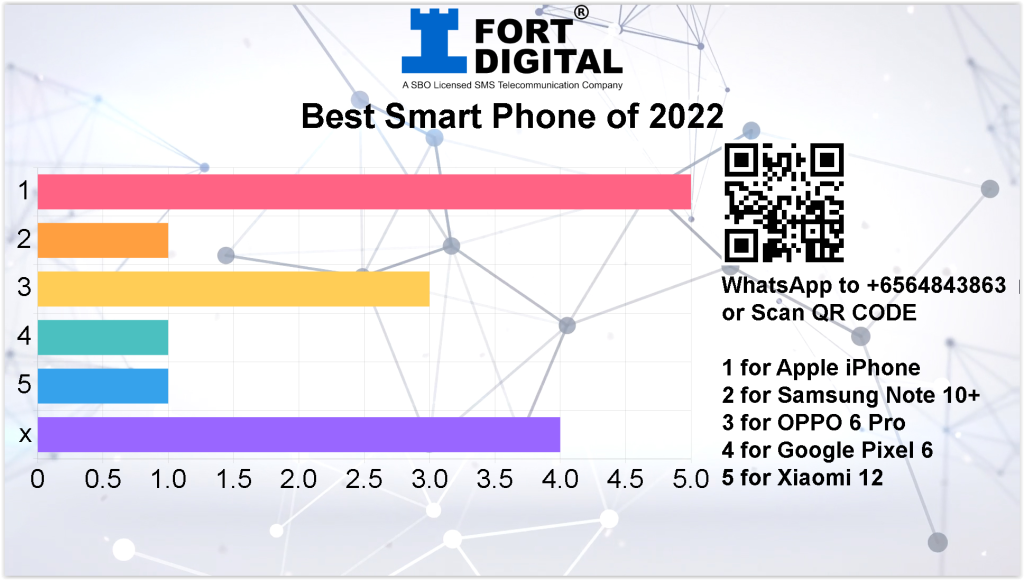
Voting / Polling System via WhatsApp
Just ask your participant to WhatsApp 1, or 2, or 3, or more to Vote. Very powerful to conduct : Live Survey, Talent Show Voting, Leadership Voting, Company Internal Voting, etc. No more expensive device for voting, just simply WhatsApp.
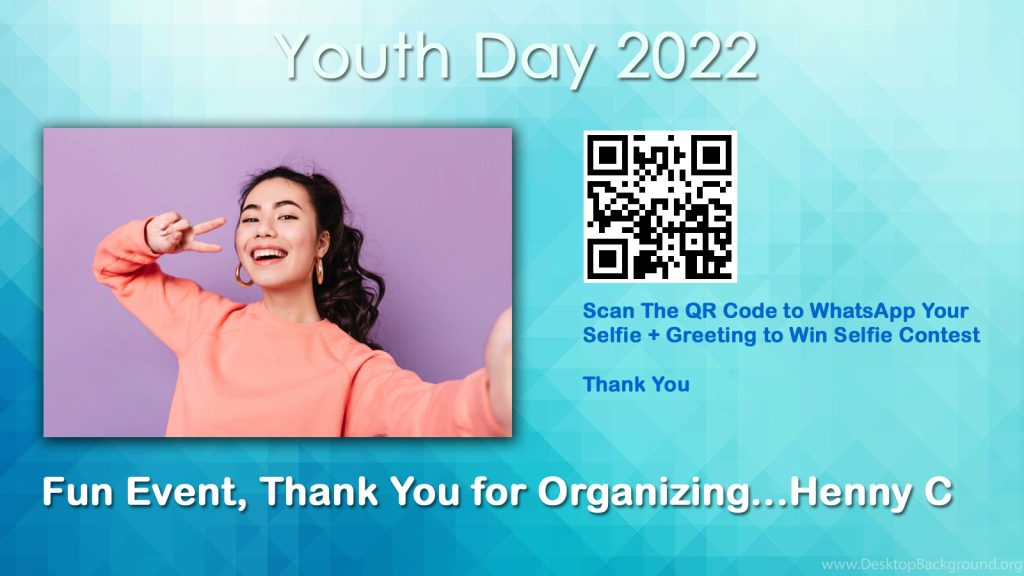
Picture and Greeting Slideshow Broadcast via WhatsApp
Very Interactive Event Display. Ask participant to WhatsApp their Family Picture + Greetings, or Selfie + Greetings, and it will be shown Live on Screen. You can select / censors before displayed on big screens. Perfect for Family Events or Wedding for well-wishers.
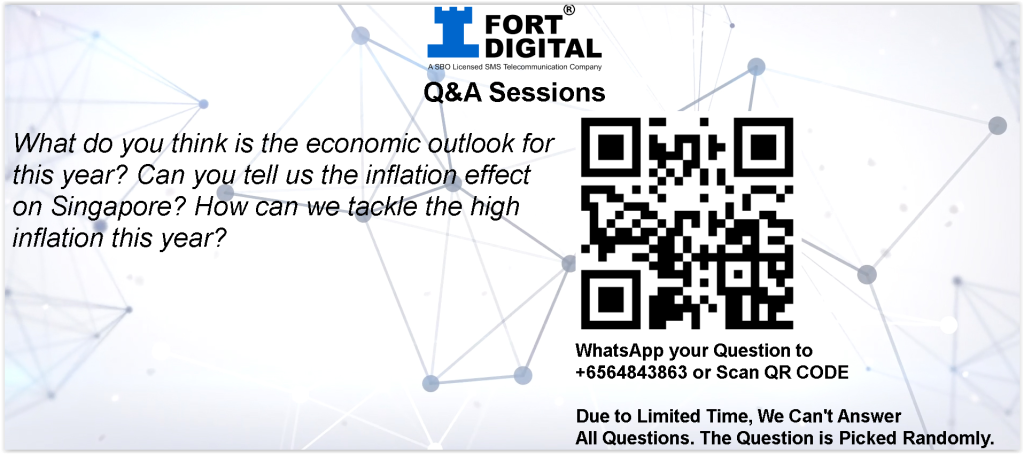
Questionnaires and Answers (Q & A Session) via WhatsApp
Want to have a Fun and Interactive Event where your participant can WhatsApp their Questions instead of asking one by one? Then project them to the big screen LIVE?
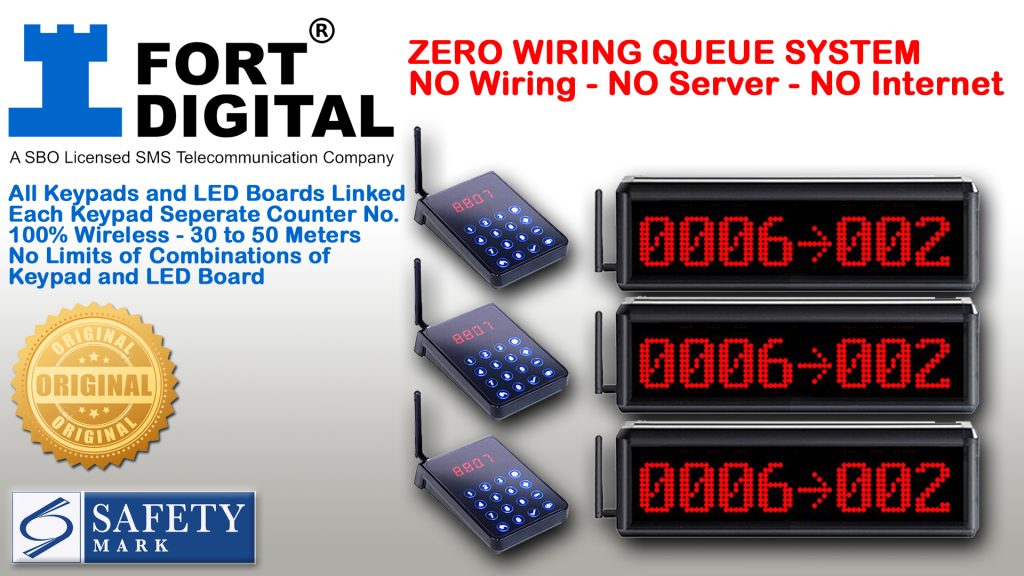
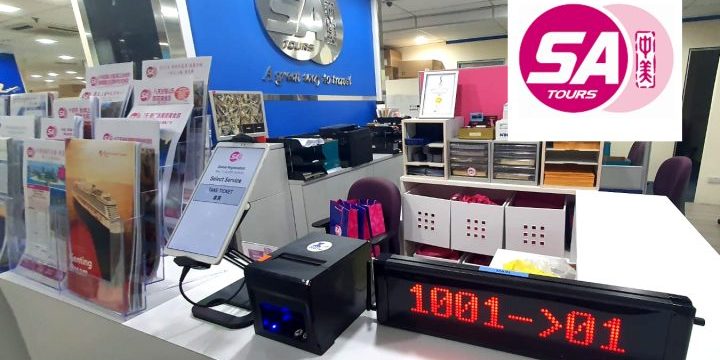
Simple Queue System (Offline QMS)
100% Offline with NO Server and ZERO Wiring. Comes with Ticket Issuing Machine + Calling Board.
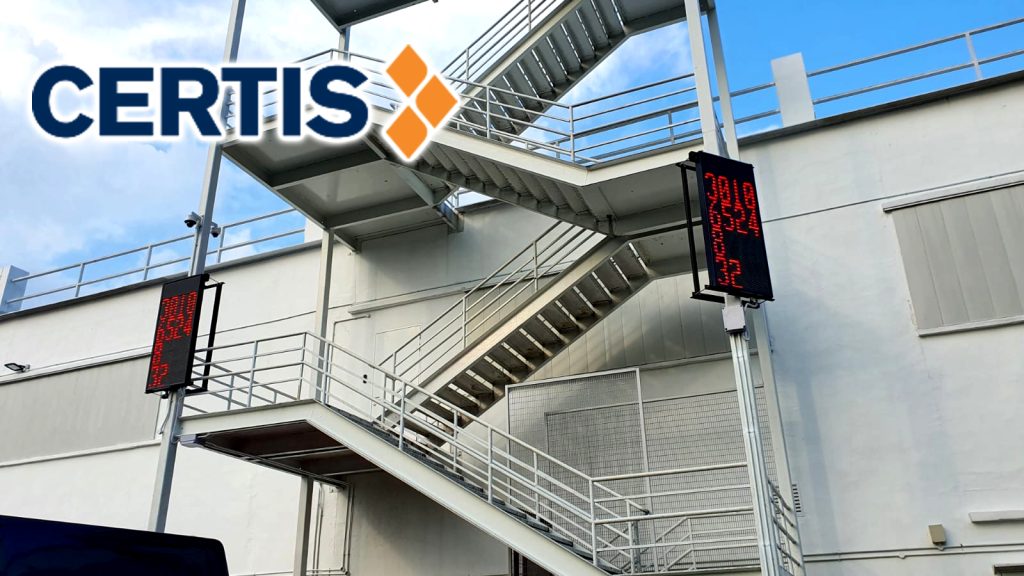
Customized LED Board
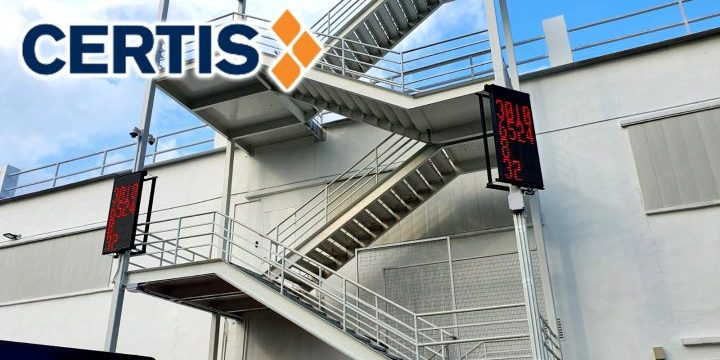
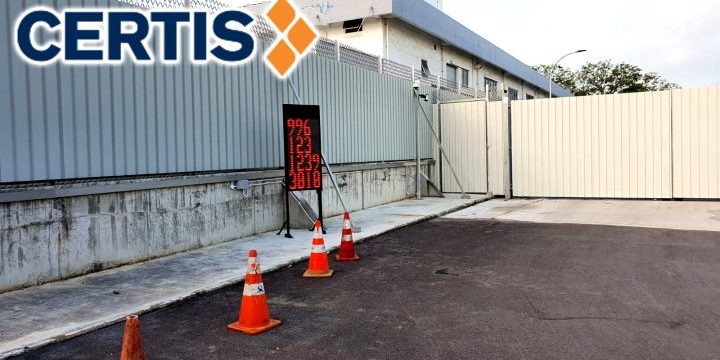
Fort Digital is among a few company left in Singapore that are still doing programming of such LED Display. We can customize and programme almost all kind of LED Display Signage Board. Any Size, Multiple Colours, Wireless Control, Queue Algorithm, and Scrolling Messages.
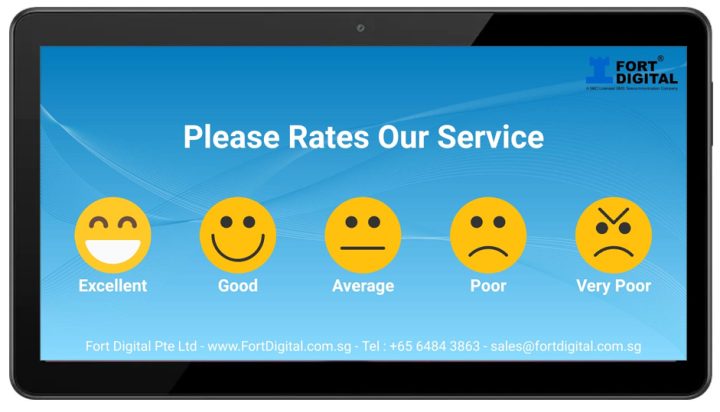
Emoji Feedback / Survey System
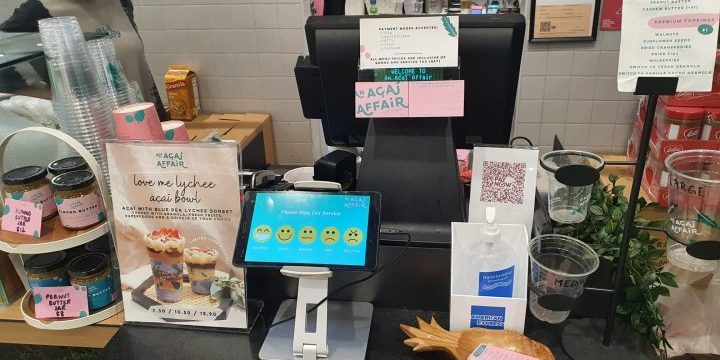
No Wiring, No Server, No Installation. Just a Tablet you can install anywhere, at as many branches as you want. Live results viewed by Admin from anywhere.
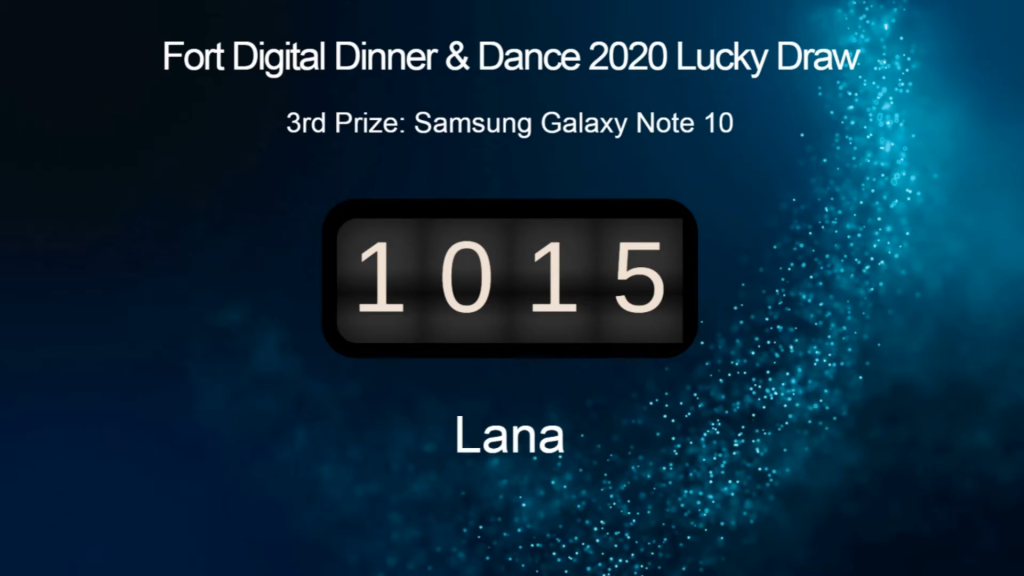
Live Lucky Draw System
Do you have a Lucky Draw Event? You can pre-set the list of participants' names and IDs and the list of prizes in the system. Open the lucky draw web page and then project it to the big screen. During the draw, the system will randomly pick a winner for the set prize and display the ID and NAME in live animation with sound.
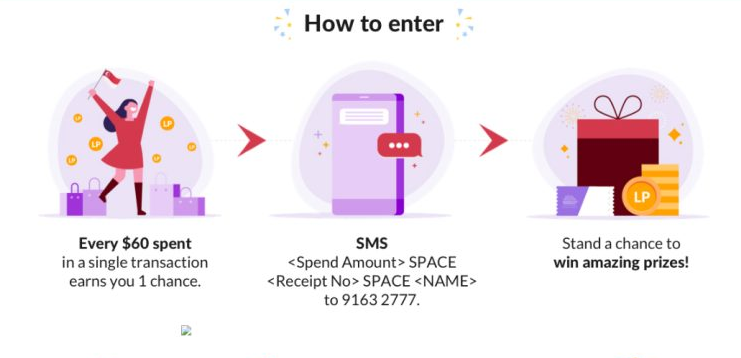
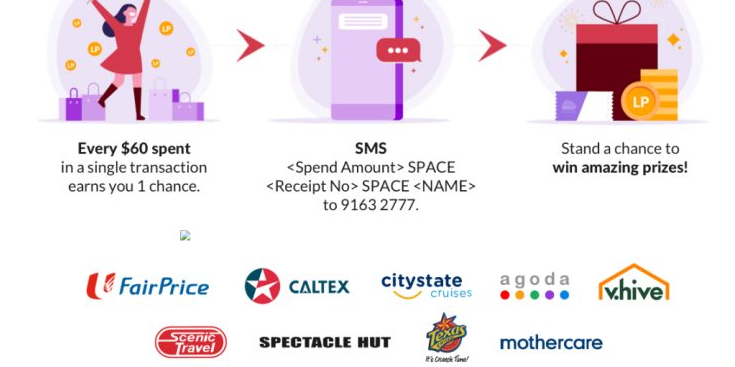
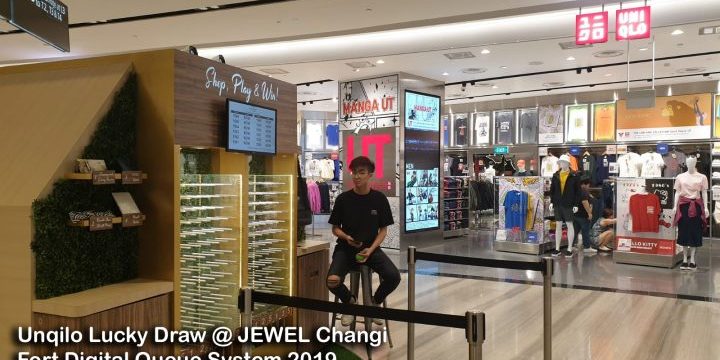
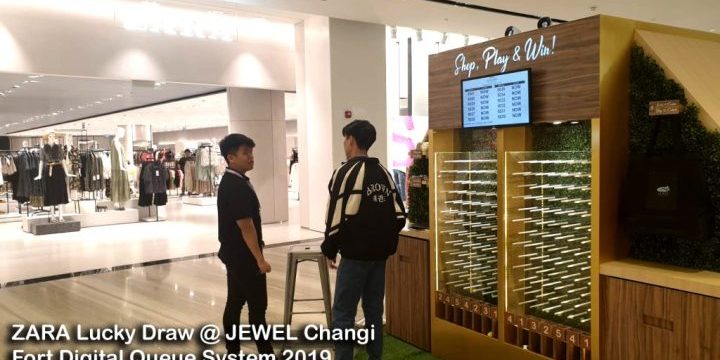
Lucky Draw & Redemption System via SMS
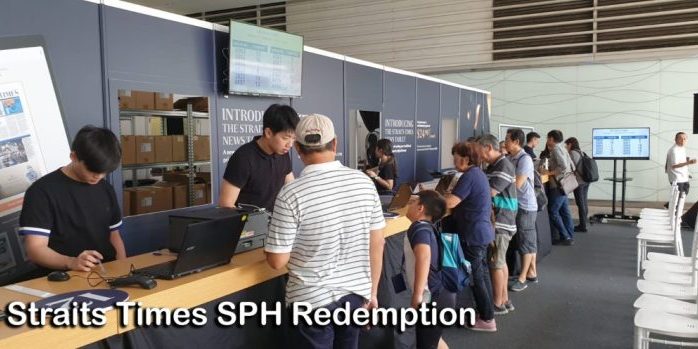
Fort Digital is one of the oldest companies providing SMS Redemption / Lucky Draw Campaigns. We can customize to All kinds of Campaign Models. However, we have several Campaign Models ready for you to start using anytime without customization.
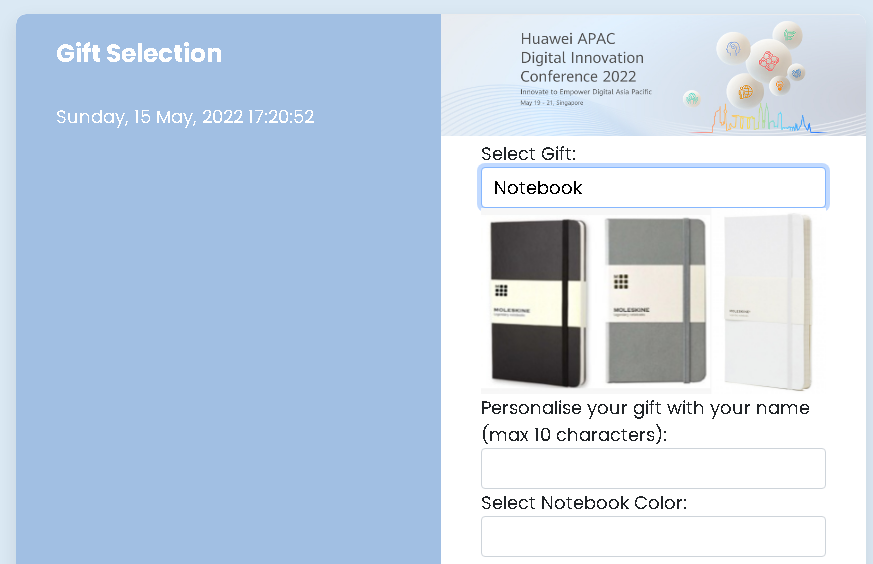
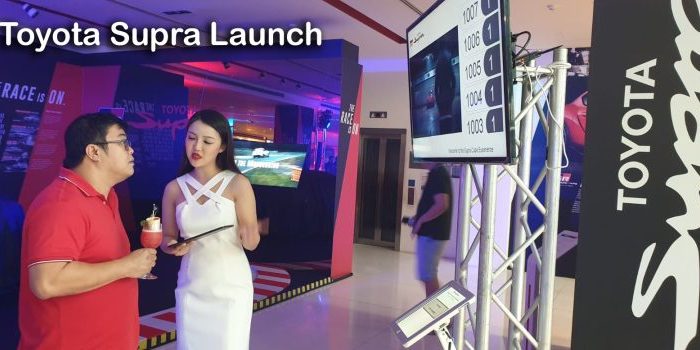
Redemption and Product Launch (Queue System)
Having a Gift Redemption Centre requires asking the customer for their choices of Gifts, Models, Colors, Embossing options, etc.? After selecting their preferences, they will get a Queue Number instantly (and SMS).
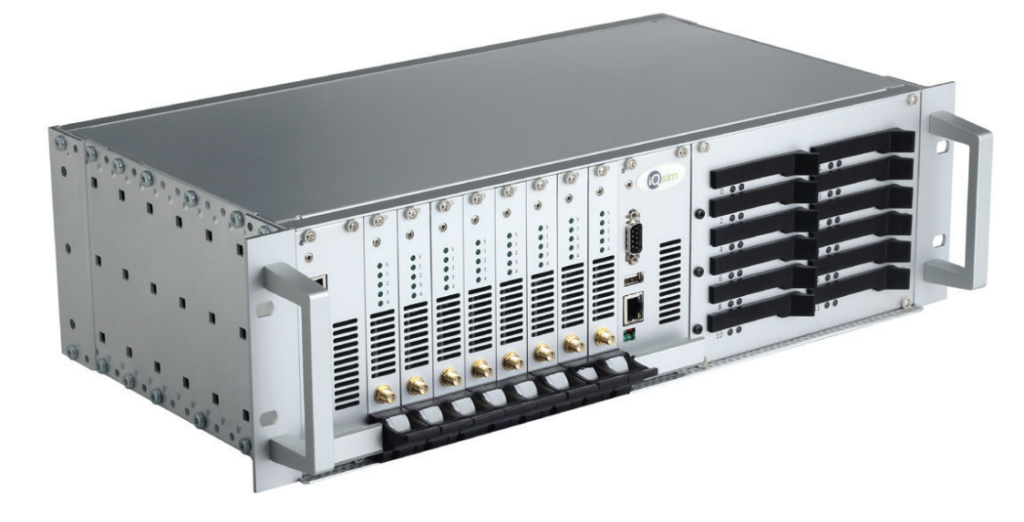
SIM Card Hosting Services
Fort Digital can host any SIM CARDs in our Data Centre LIVE 24/7/365. And we will provide you with a Web-Based Platform for you to Send & Receive. Headache-Free, Fast, and Reliable. You can also send and receive via HTTP API from your Apps/Software.
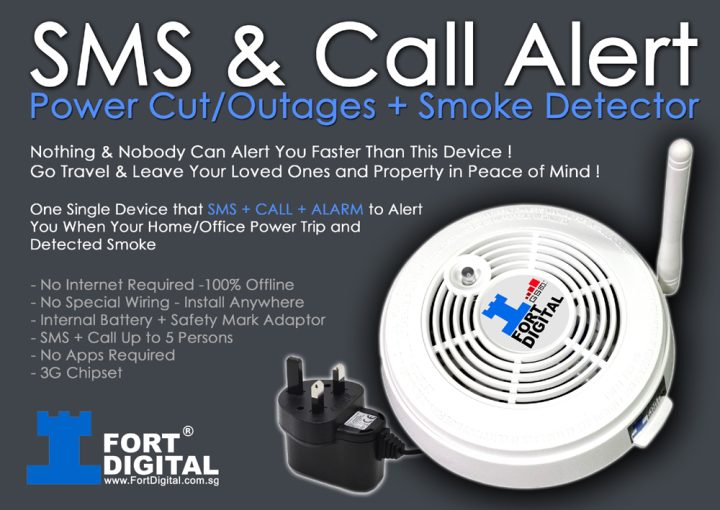
Smoke Detector & Power Failure Detector (SMS & Call Alert)
One Single Device that SMS + CALL + ALARM to Alert You When Your Home/Office Power Outage and Detected Smoke. Nobody Can Alert You Faster Than This Device!Go Travel In Peace Of Mind.
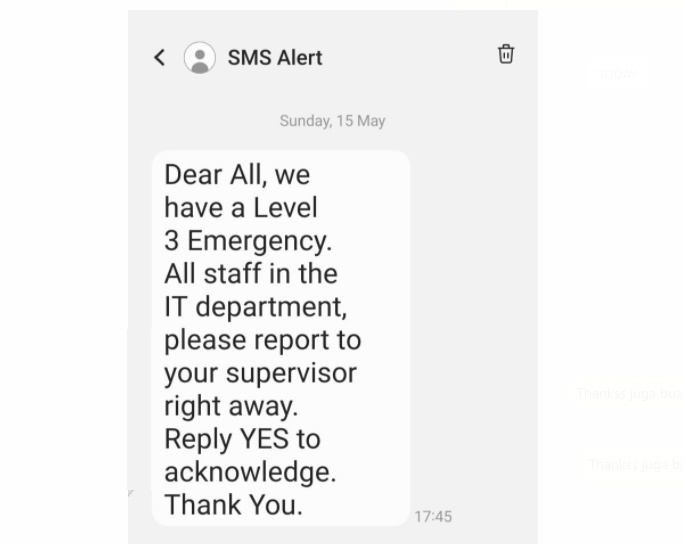
SMS Emergency Alert Broadcast (Triggered by SMS)
When comes to Emergency Broadcast, Speed is Everything. There is No time to get a PC / Laptop, No time to get Internet Connection, No time to Login. Emergency Message must be triggered in the most easiest way……SMS
Offline SMS Server + Offline Web Server
Built for those who need to Automate SMS Sending but do not have an Internet Connection (Offline) and for those who do not want the hassle of setting up a complicated SMS Server. Perfect for Data Centre.
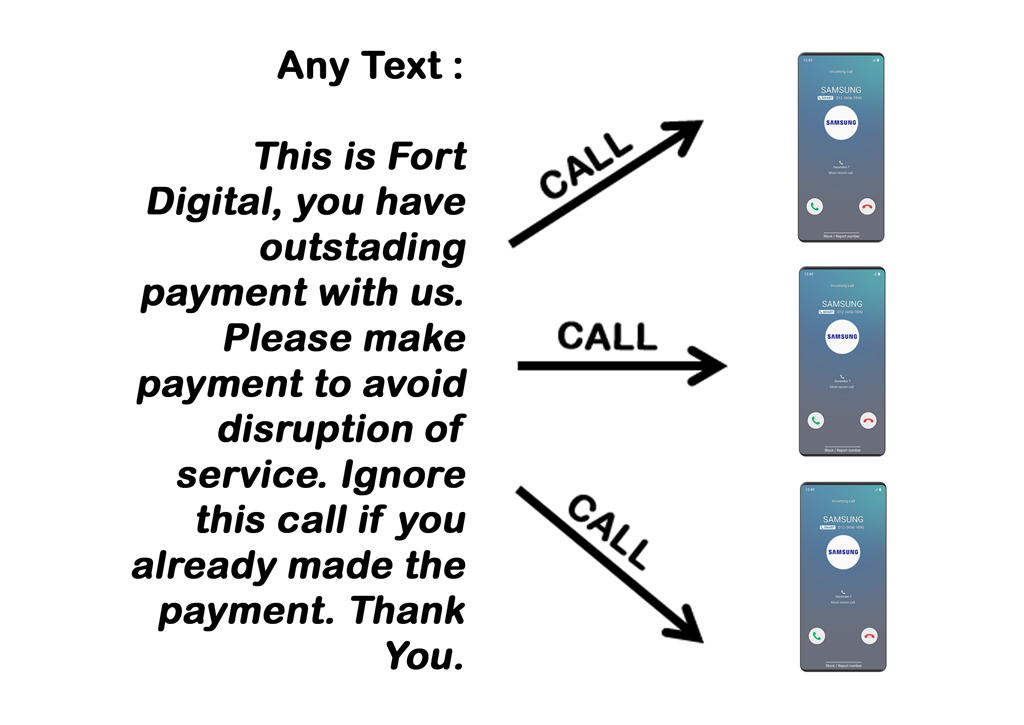
Text to Voice Call (Mass Call)
This technology is able to covert any of your TEXT into a Natural English Speaking Voice Call. Useful for : OTP, Chase Payment in Masses, Emergency, Fire Alert, Server Alert, etc
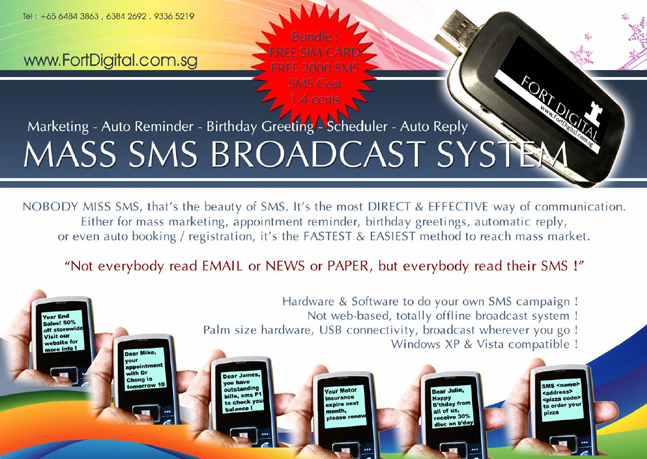
Hardware SMS System
This is the second most used system in Singapore, and also, extremely secure. You use your own SIM Card to send and receive SMSes. No Internet required. Not Web Based, instead, we provide you a Client Software that you install in your PC, All Data are safe within your company PC. Auto Reply, Auto Unsub, Personalized SMS, and many more functions…